1514 86th Street
Brooklyn, NY 11228
Operating Hours
Sun: Closed
Mon-Fri: 9:00 AM - 8:00 PM
Sat: 9:00 AM - 3:00 PM
What to Anticipate During Pickup
Your cart may be empty now, but let us help you fill it up with amazing products.
Continue ShoppingHave An Account?
Log in to check out faster.


1. Refund if not delivered within 35 days
2. Refund if lost after shipment
3. Resend if item is damaged
Delivery times vary greatly depending on the shipping region, so we cannot provide an exact estimated delivery date. For North America, you can generally expect to receive your order within 2-3 weeks.
Shipping is available via USPS, FedEx, UPS, and etc.
Free returns within 90 days of order, first order returns are free.
Secure payments are made through world-renowned payment companies such as PayPal, Visa, and Mastercard. Your payment information will not be shared with any third parties.
Your personal information collected for payment and delivery will be securely protected during delivery and discarded after delivery is complete.
2.4G Wi-Fi Transmission Rate: 300 Mbps
5G Wi-Fi Transmission Rate: 867Mbps
Application: Home
Brand Name: Newfast
Certification: FCC
Choice: yes
Feature: ifi Repiter, wifi Repiter, long range wifi repeater
Feature 1: wifi booster amplifier, wifi access po
Feature 2: wifi range extender, wi-fi repeater
Feature 3: access point, wifi repeater wifi amplifier
Feature 6: wifi booster amplifier, wifi access point, repetidor wifi
Frequency Band Class: Dual-Band
Function: Firewall
High-concerned chemical: None
LAN Ports: 1
Max. LAN Data Rate: 1200Mbs
Number of USB Interfaces: None
Origin: Mainland China
Standards And Protocols: Wi-Fi 802.11ac
Supports WDS: No
Supports WPS: Yes
Type: Wired & Wireless, WireLess
WAN Ports: 1 x10/100Mbps
Wi-Fi Supported Frequency: 2.4G & 5G
Wi-Fi Transmission Standard: 802.11ac
Wired Transfer Rate: 10/100Mbps
Wireless Communication Standard: 802.11.ac
Wireless transmission rate: 1200M
With Modem Function: No
repeater wifi: Wifi repeater ac1200
semi_Choice: yes
street wifi signal amplifier: wifi repeater 5ghz
wifi extender 5G: wifi repeater 5 ghz
wifi repeater 5 ghz: wifi range extender ac1200
wifi repeater Feature: wi fi repeater, wifi long range repe
1200M WiFi Repeater Long Range smart OLED 5Ghz Wireless Wifi Extender Wi-Fi Amplifier Wifi Signal Booster Antenna Wifi Repeator
Product Description:
NF-RE523 is a gigabit dual-band repeater with OLED smart screen.
Innovative OLED compared with the traditional repeater, the user's setup and use are more simple and intuitive. Xiaobai can also get started easily, and he knows the working of his repeater like the back of his hand. It is suitable for scenarios with incomplete routing coverage of houses such as large flats, villas, duplex buildings, and corporate offices.
Features:
1. Wi-Fi expansion, eliminating dead spots of wireless signals;
2. OLED screen display, working status - - clear at a glance, the device is easier to use and easier to use;
3. 1200Mbps dual-band, stronger anti-interference, high speed, more compatible with gigabit home routing;
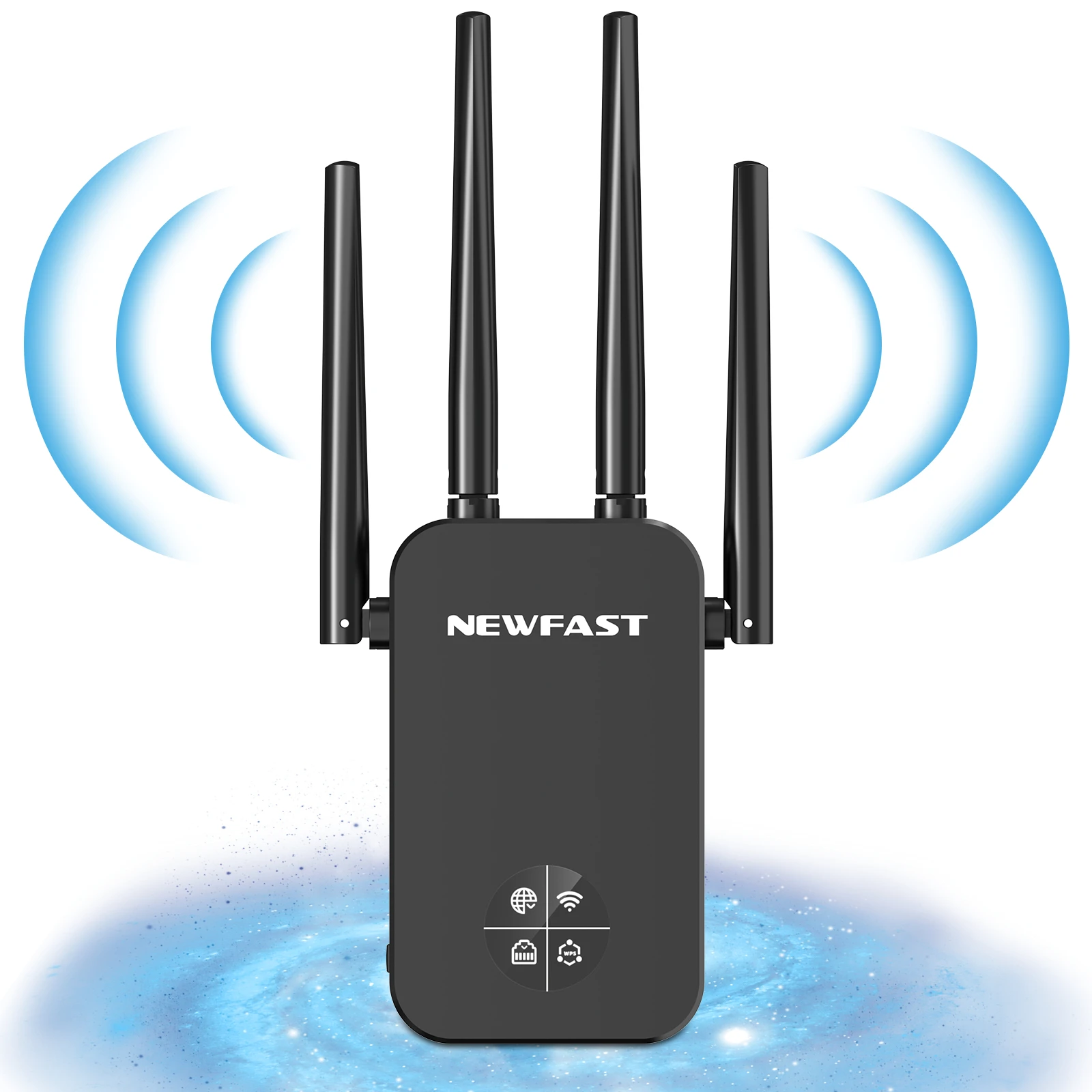
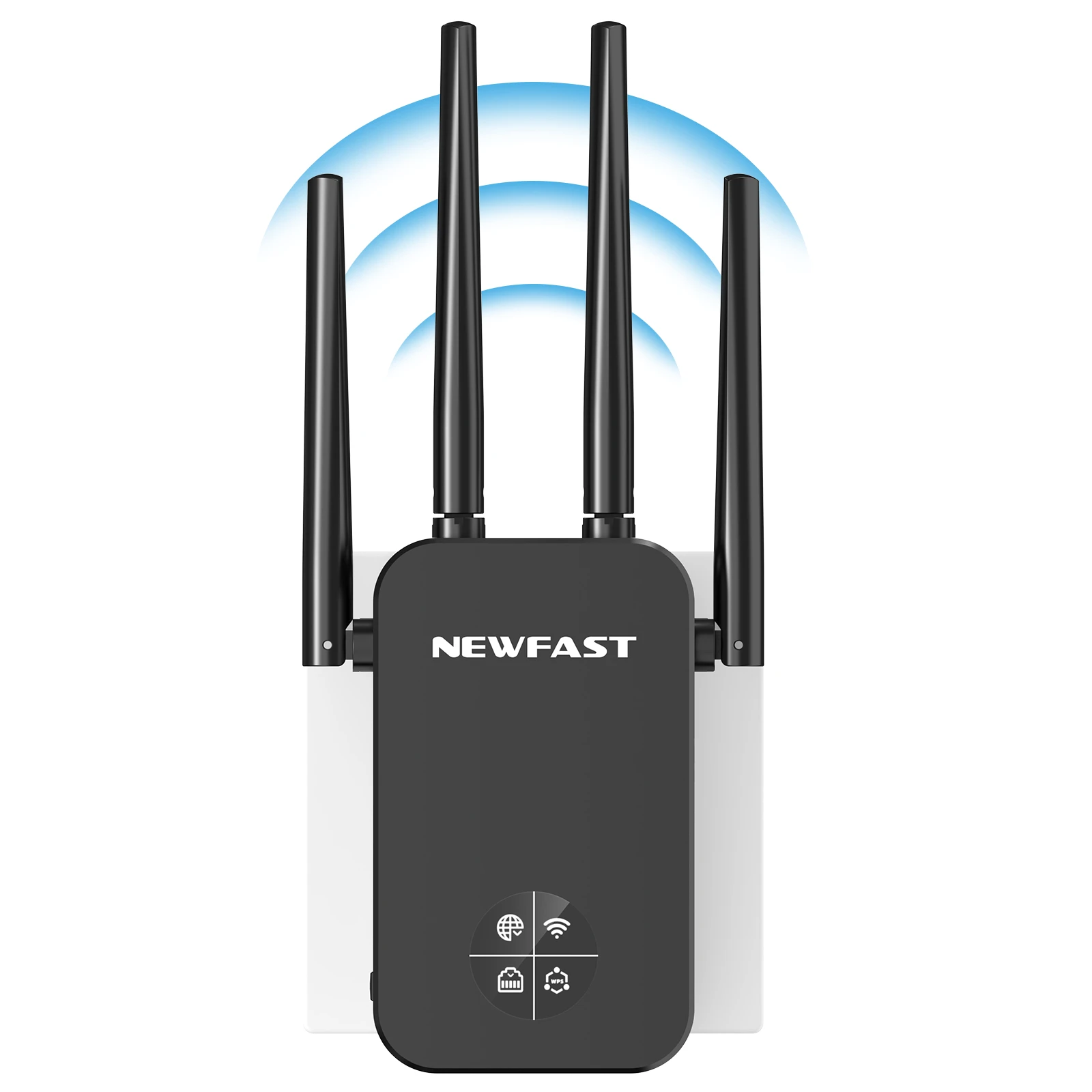
4. 4 antenna signal enhancement, signal coverage and wall penetration are significantly improved;
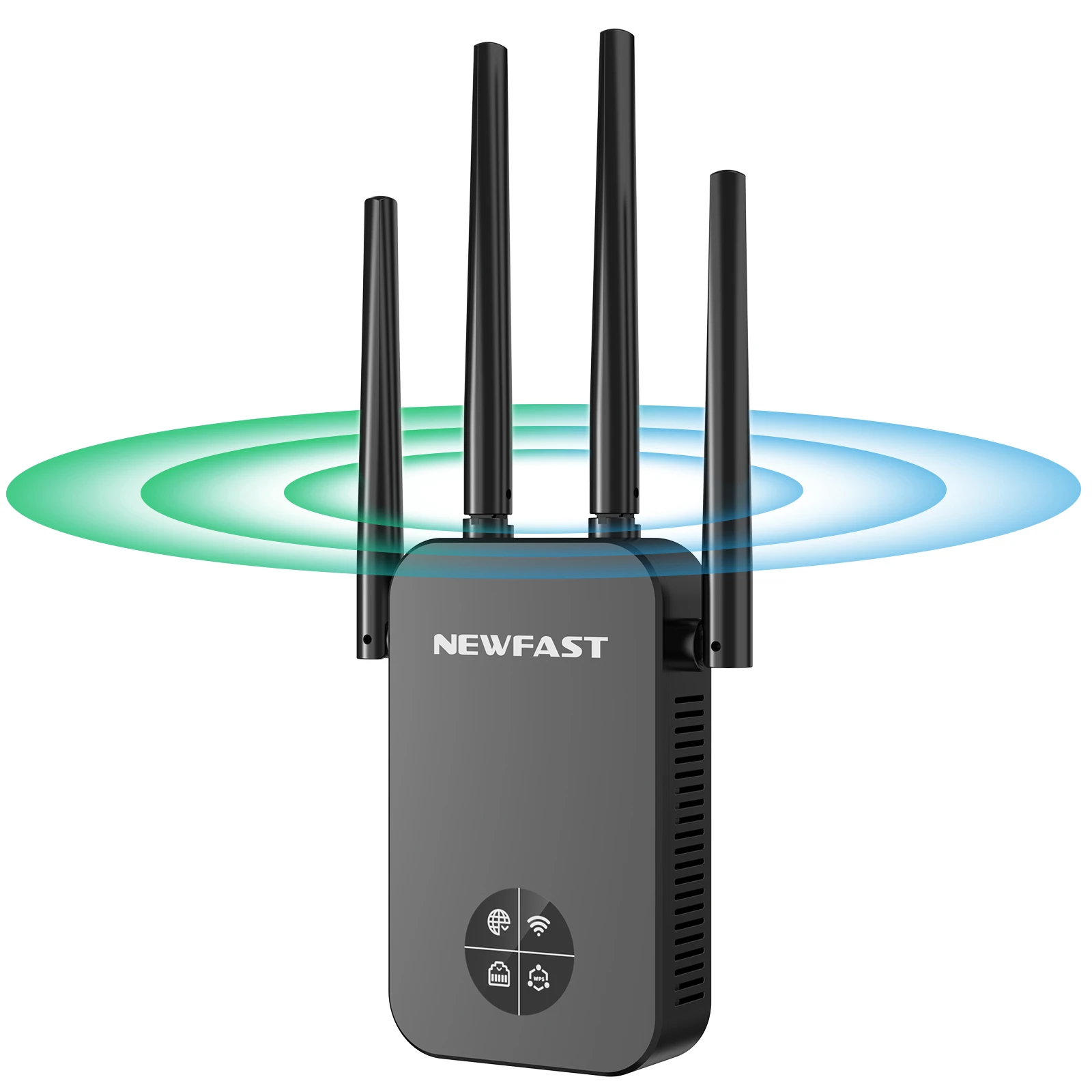
5. The antenna can be rotated flexibly, and the user can adjust the angle of the antenna to adjust the signal transmission and reception;
6. Support WiFi to wired, can be connected to TV, computer, etc. to connect with wired and stable work;
7. Scientific heat dissipation design, the device supports 24h stable work without disconnection, avoiding overheating and aging of components;
8. Application CF-WR761AC is suitable for scenarios such as duplex buildings, large flats, villas, and offices where large-area routers arE not fully covered.
Specifications:
1* Network Cable
1* Quick Install Guide

the 1200Mbps wifi extender support 99% Wifi internet box (802.11ac/b/g/n/a)
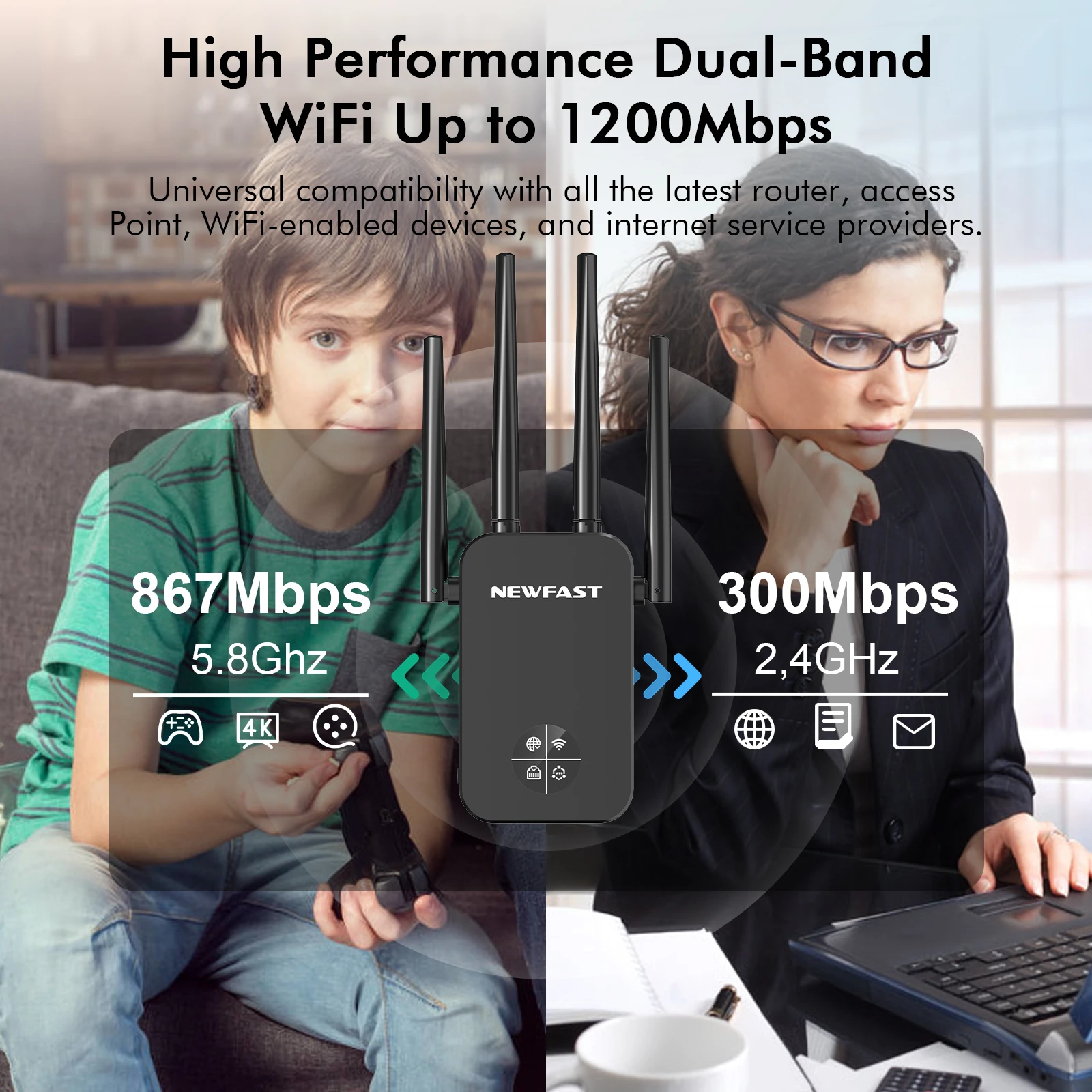
the 1200Mbps wifi extender support 99% Wifi internet box (802.11ac/b/g/n/a).
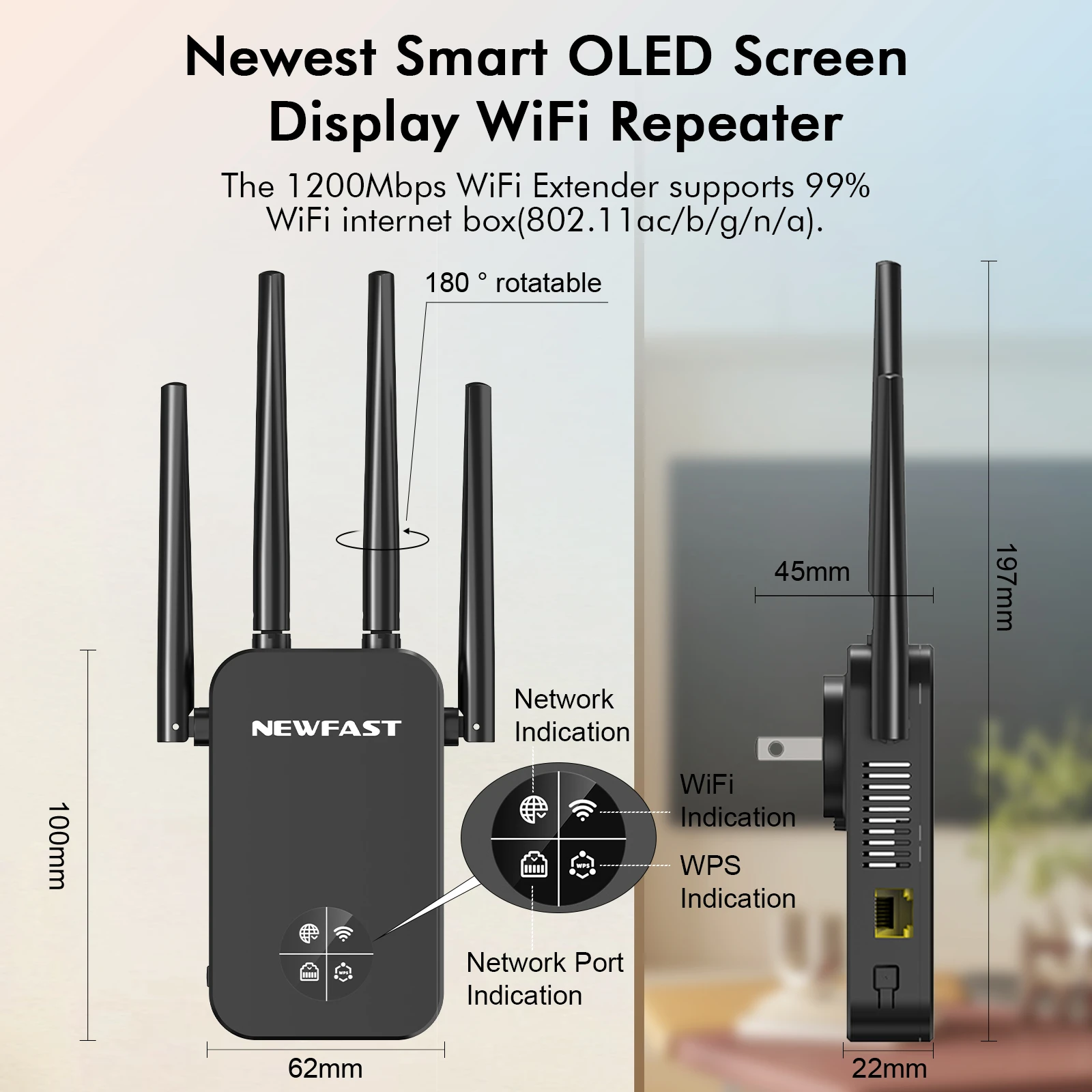
Stronger anti-interference, high speed ,perfec matching with your home routing.
Maximum 20dbm transmitting power and 4*3dbi antennas easily through the wall, powerful 4 high gain external antennas 180 rotatable.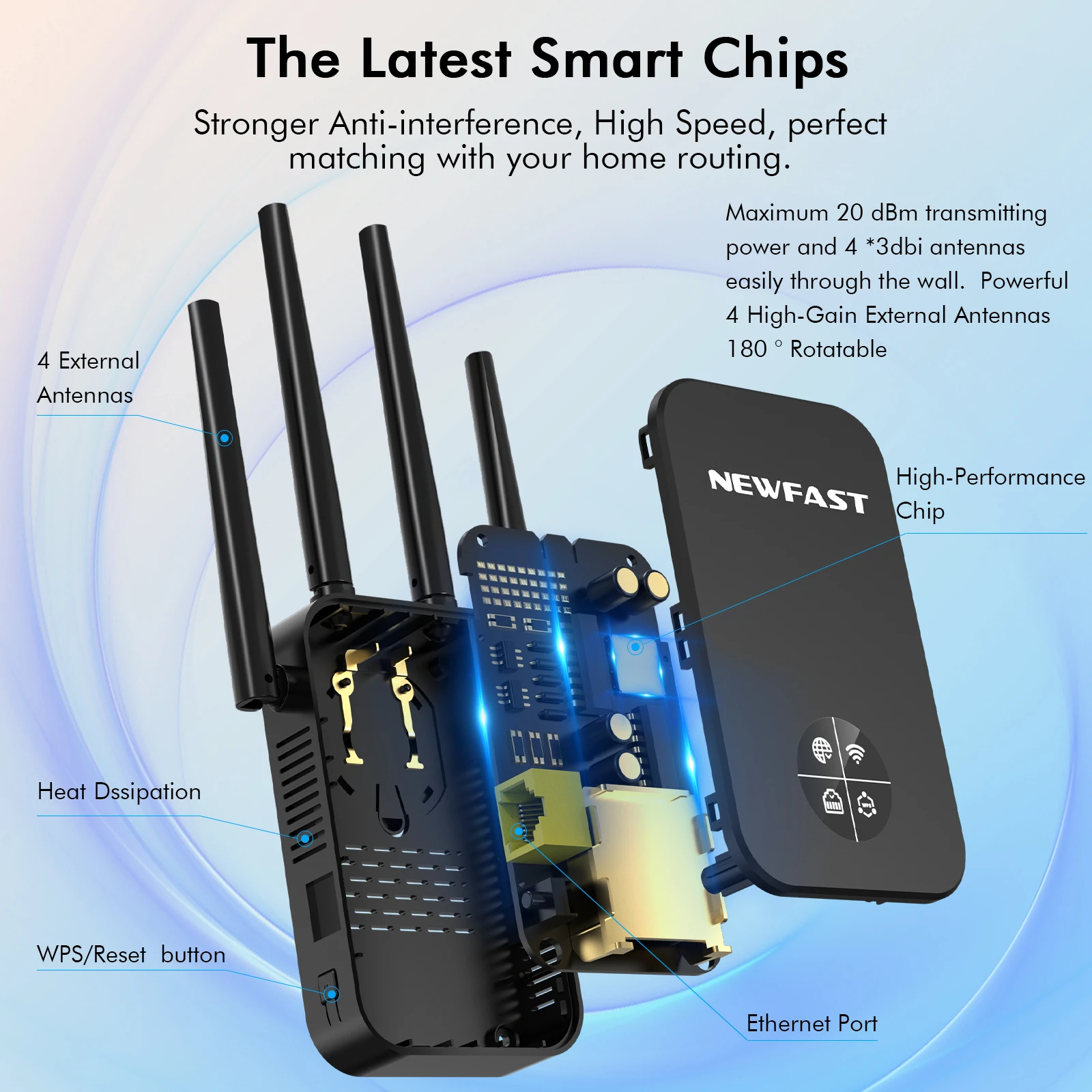
No wifi Dead zone
Boost your existing router's wifi coverage for a better, wider wifi experience.
The WiFi Extender Booster expands your router's WiFi coverage up to 1500 sq.ft, with WiFi speeds up to 1200Mbps.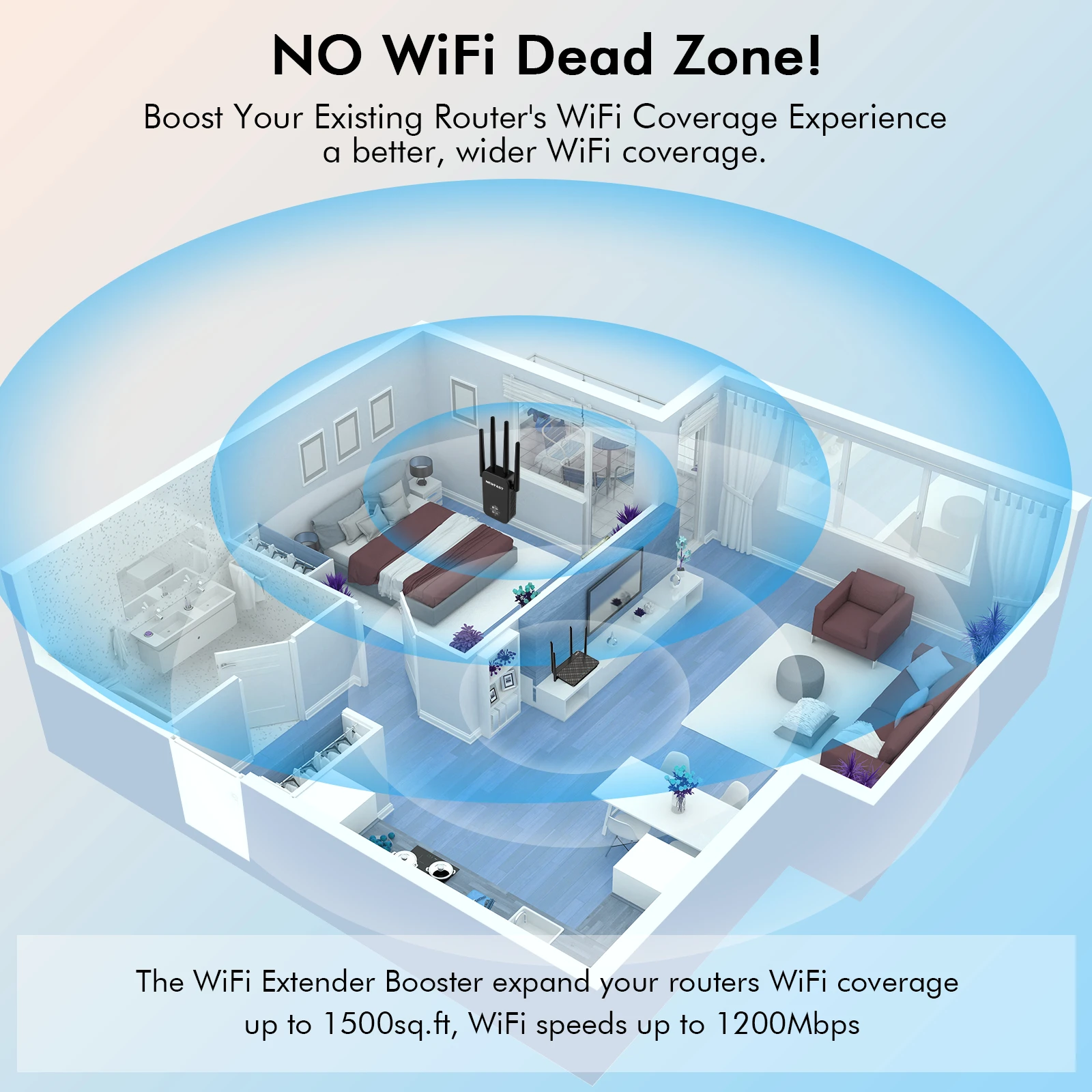
1200Mbps Dual Band Wifi Repeater Faster, Stable and efficient
5.8Ghz for high speed performance 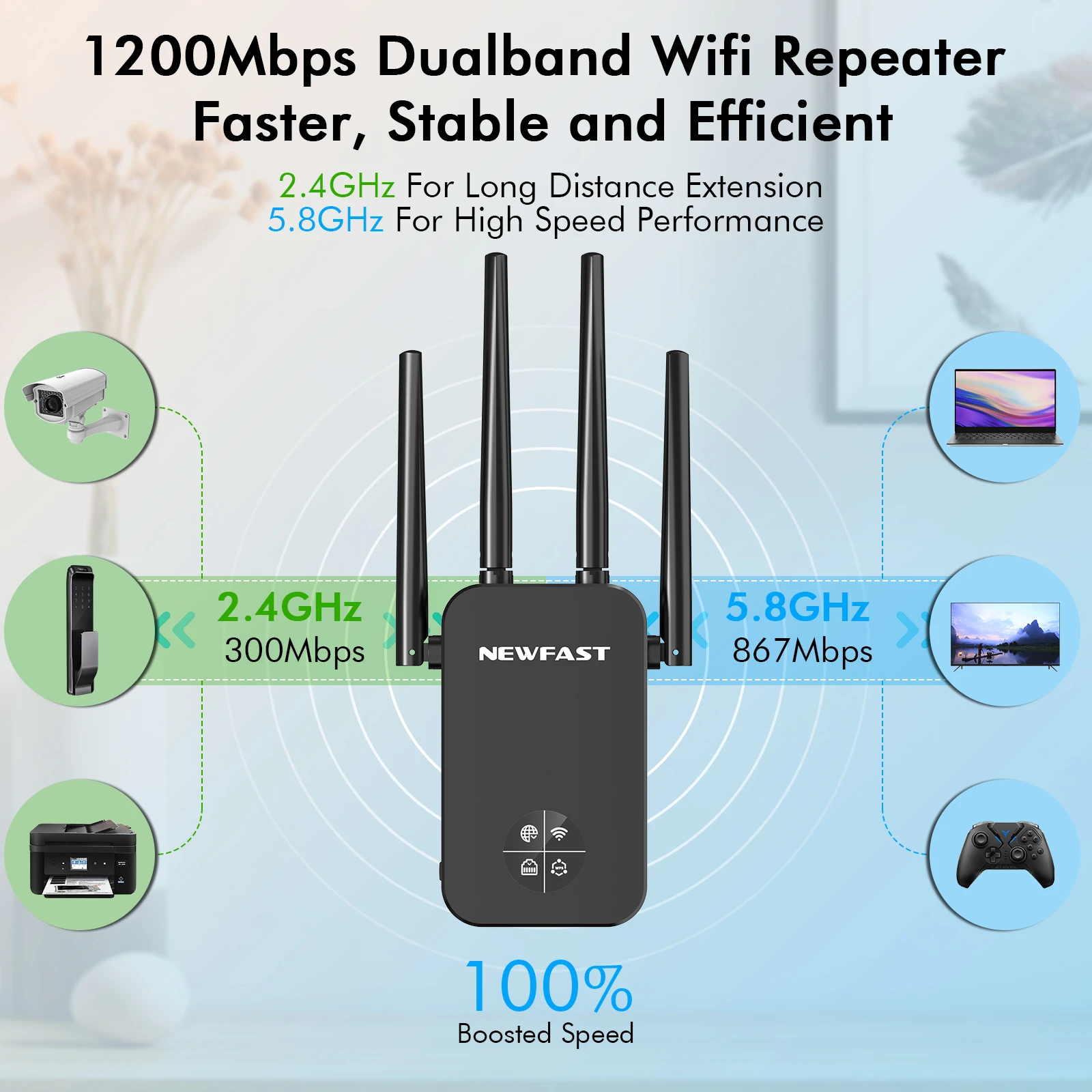
Wifi repeater can connect to various wired devices
TV Box/Webcams/Printers/PS3/4/Computers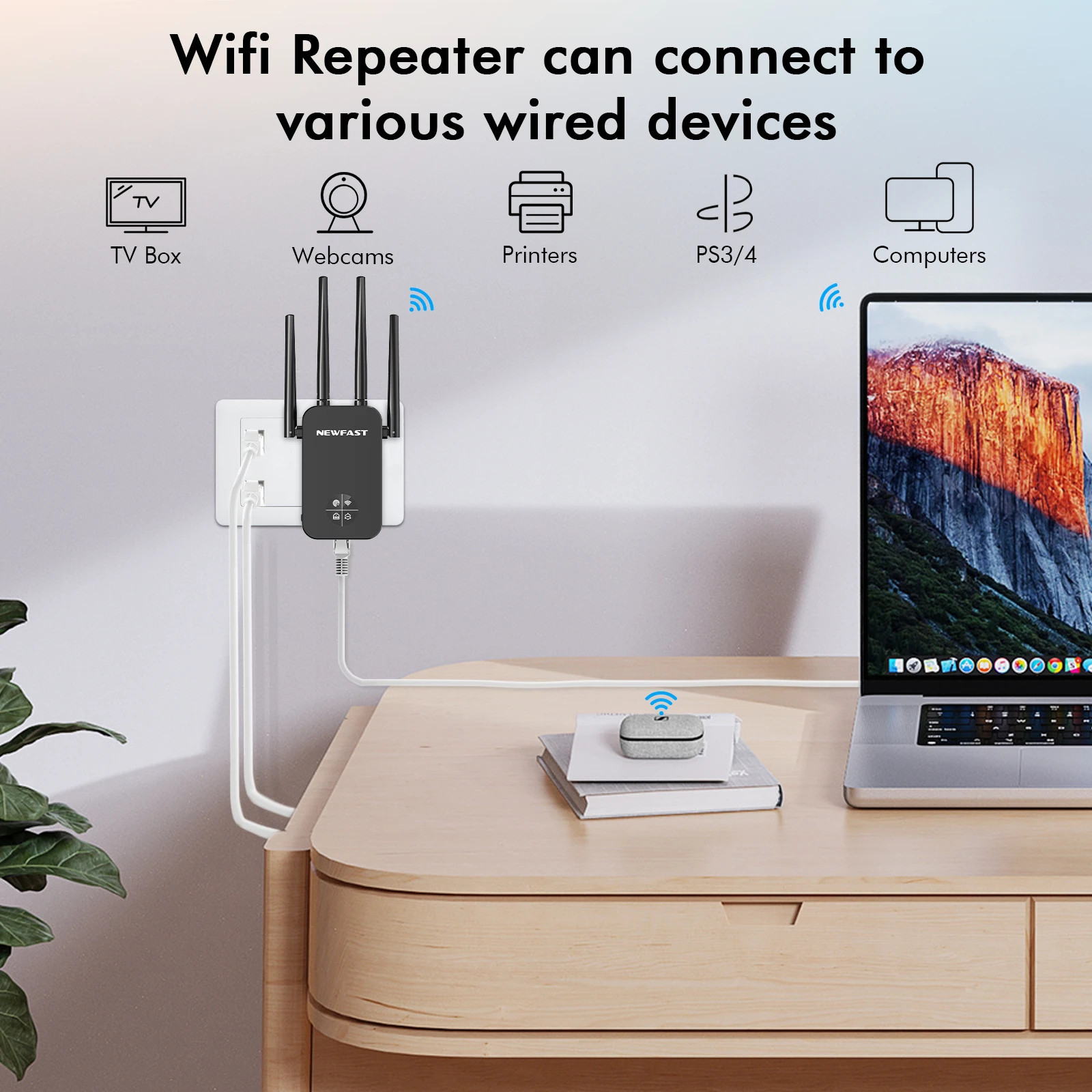
The extender can connect up to 35 wireless devices at the same time; the signal is still stable and smooth.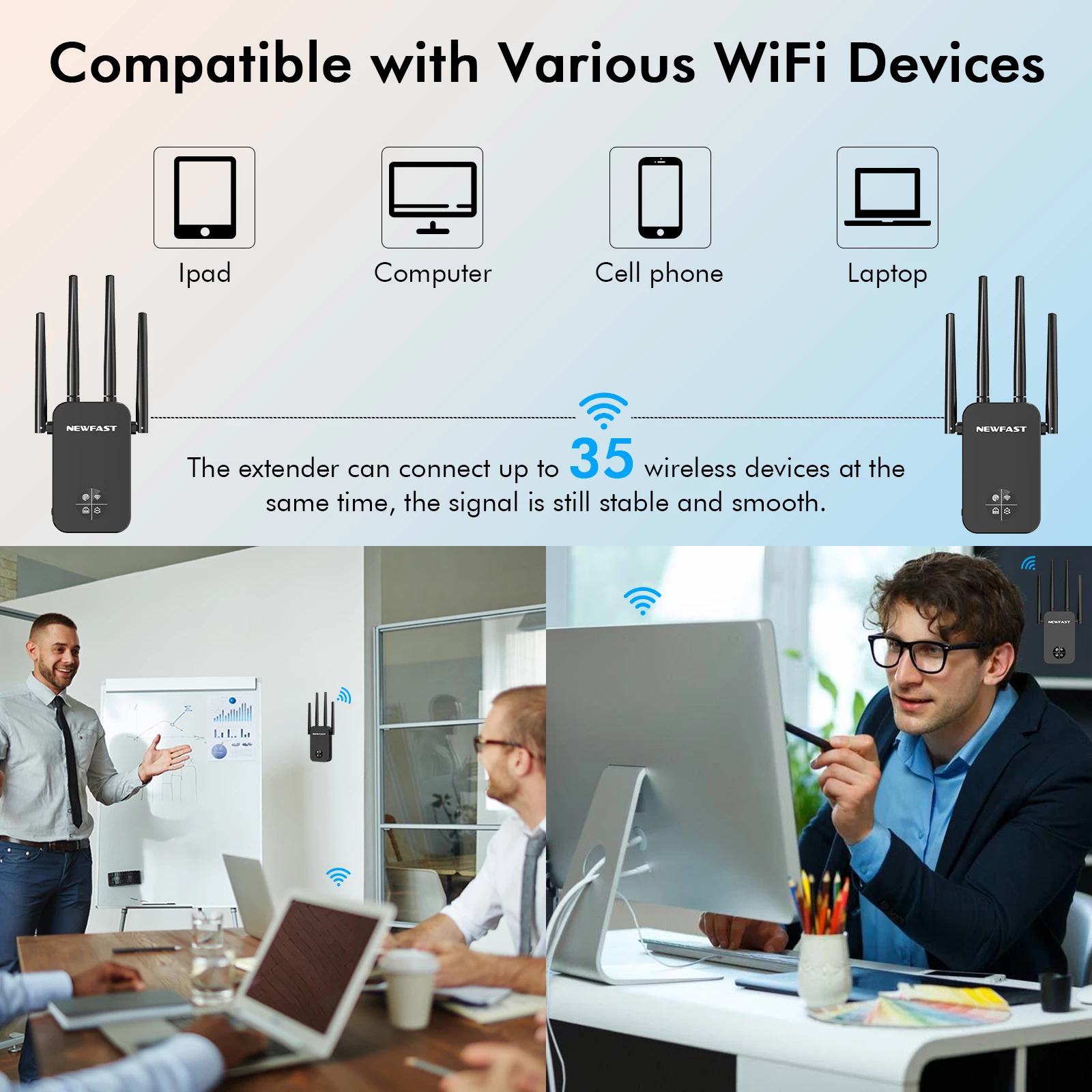
5 modes & Multiple Functions Home Repeater mode:
Bridge mode: Extend wifi signal
Hotel: AP Mode Switch wired network to wireless
Office/Cafe: Router mode: Regular router for home use
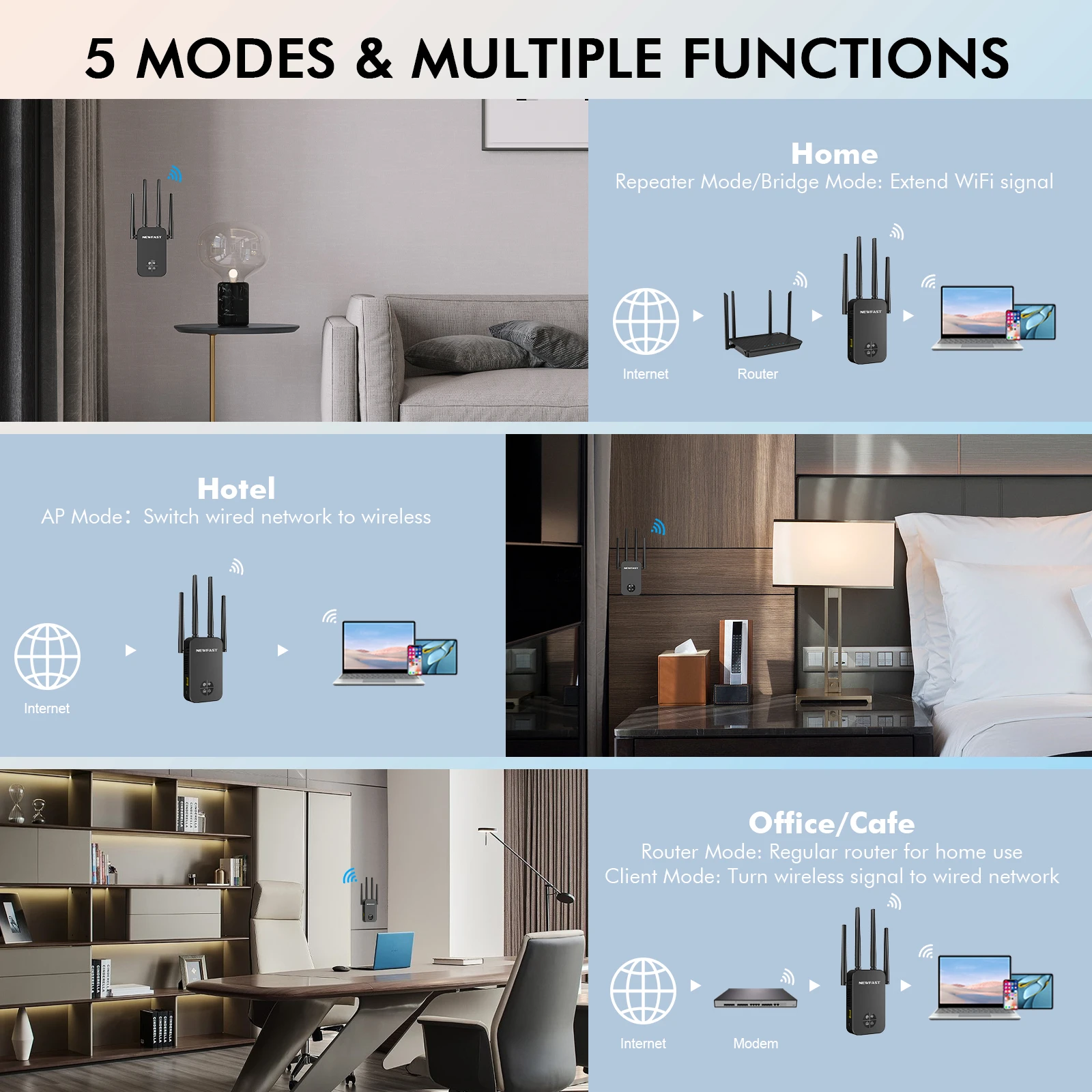
WPA-PSK/WPA2-PSK WPA/WPA2 
Multiple scenario application
Applying the extender to these large areas can effectively solve the problem of signal instability.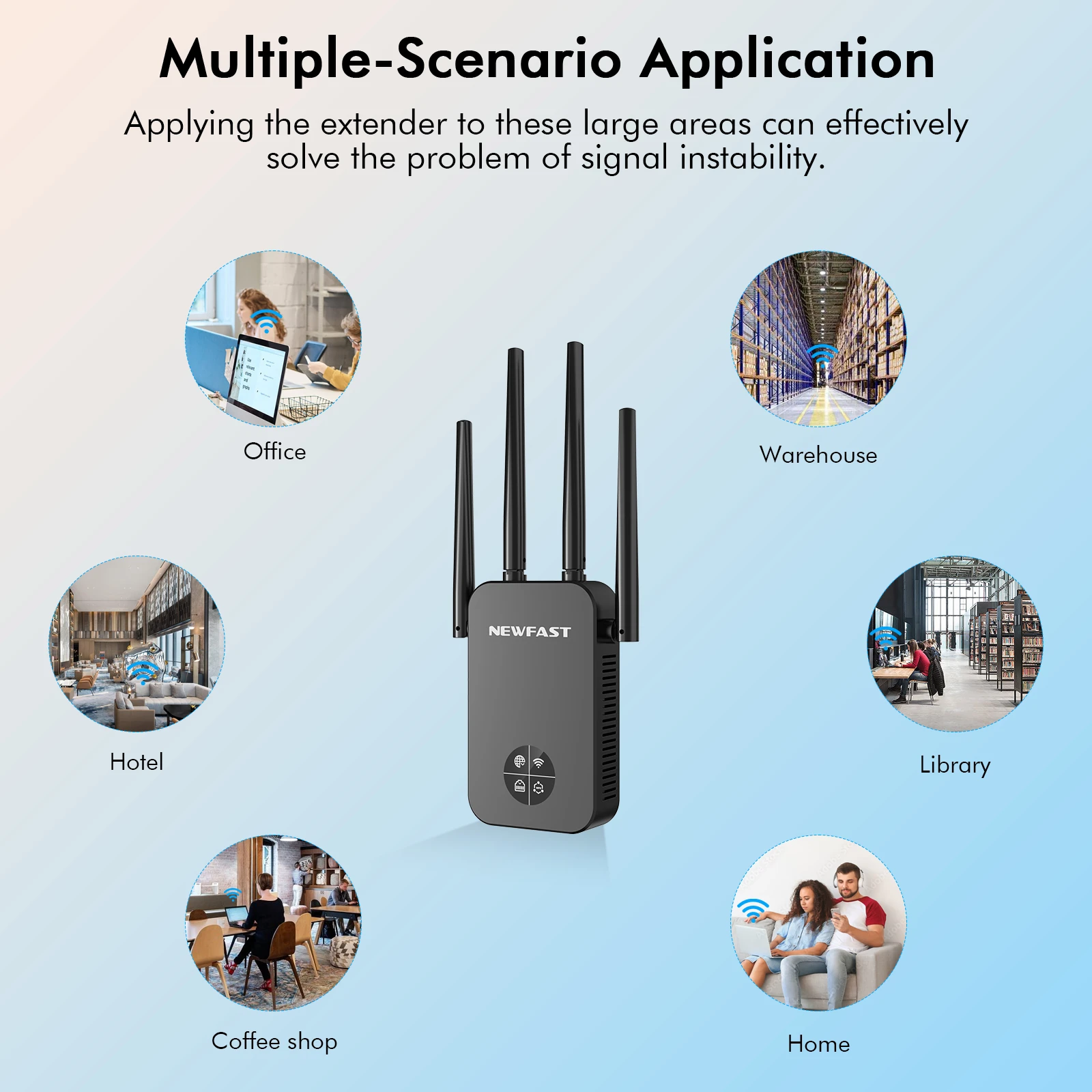

Set up guide:
Just three steps with a phone/computer/iPad.
The default working mode is repeater mode.
1. Use a phone to connect to the SSID, like NEWFAST-XXX.
2. Input 192.168.10.1 in the browser, click repeater mode in the GUI Page.
3. Choose the wifi signal which needs to be extended, input the password, and click set up. Wait for 5 seconds. If the light is blue, then the setting is successful.
Couldn't load pickup availability
1. Refund if not delivered within 35 days
2. Refund if lost after shipment
3. Resend if item is damaged
Delivery times vary greatly depending on the shipping region, so we cannot provide an exact estimated delivery date. For North America, you can generally expect to receive your order within 2-3 weeks.
Shipping is available via USPS, FedEx, UPS, and etc.
Free returns within 90 days of order, first order returns are free.
Secure payments are made through world-renowned payment companies such as PayPal, Visa, and Mastercard. Your payment information will not be shared with any third parties.
Your personal information collected for payment and delivery will be securely protected during delivery and discarded after delivery is complete.



Newfast 1200Mbps WiFi Repeater Long Range OLED 5Ghz WiFi Signal Extenders Amplifier Signal Booster Antenna Repeater UK Plug
Daily fresh food for your shopping needs
1514 86th Street
Brooklyn, NY 11228
Operating Hours
Sun: Closed
Mon-Fri: 9:00 AM - 8:00 PM
Sat: 9:00 AM - 3:00 PM
What to Anticipate During Pickup
Natural and cozy shopping experience
1514 86th Street
Brooklyn, NY 11228
Operating Hours
Sun: Closed
Mon-Fri: 9:00 AM - 8:00 PM
Sat: 9:00 AM - 3:00 PM
What to Anticipate During Pickup
Tasty moments every day
1514 86th Street
Brooklyn, NY 11228
Operating Hours
Sun: Closed
Mon-Fri: 9:00 AM - 8:00 PM
Sat: 9:00 AM - 3:00 PM
What to Anticipate During Pickup
Daily fresh food for your shopping needs
1514 86th Street
Brooklyn, NY 11228
Operating Hours
Sun: Closed
Mon-Fri: 9:00 AM - 8:00 PM
Sat: 9:00 AM - 3:00 PM
What to Anticipate During Pickup